
XDW Simulator
Introduction
This application has multiple purposes.
- It hosts the models of the XDW documents and offers the documentation and the edition interface for those models.
- Documentation of the model based contraints
- Generation and Edition of basic XDW documents
Please email questions to the IHE Europe Connectathon Manager (Eric Poiseau) for guidance through the process.
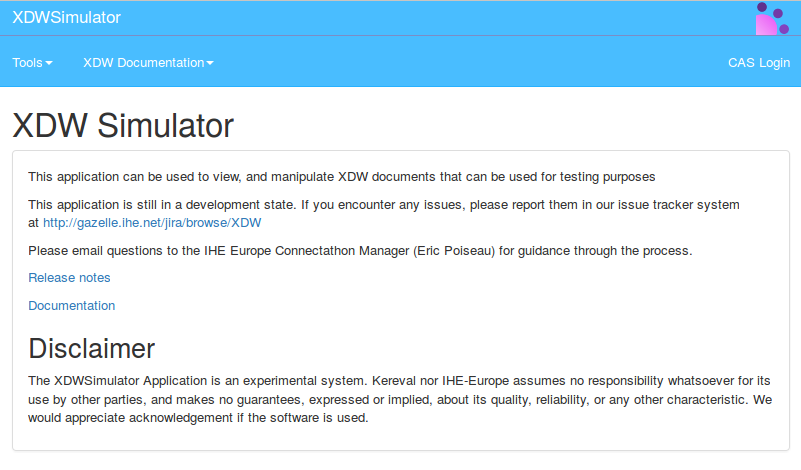
XDW Documentation
XDWSimulator offer a documentation of XDW templates, XDW constraints, and XDW structure.
XDW Structure
XDWSimulator offers a complete documentation of the structure of XDW standard. It is the same description that we find in the schema of XDW. The documentation is generated from the model UML that describes the XDW standard. To go to documentation you have to go to menu -> XDW Documentation -> XDW - Document Structure
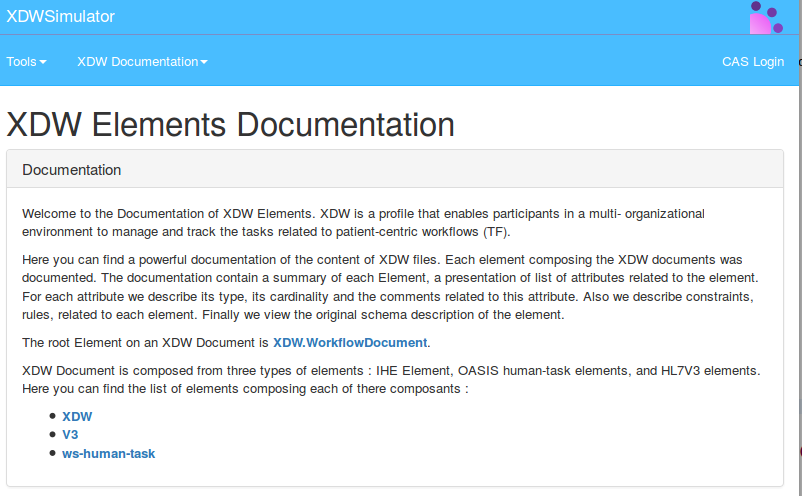
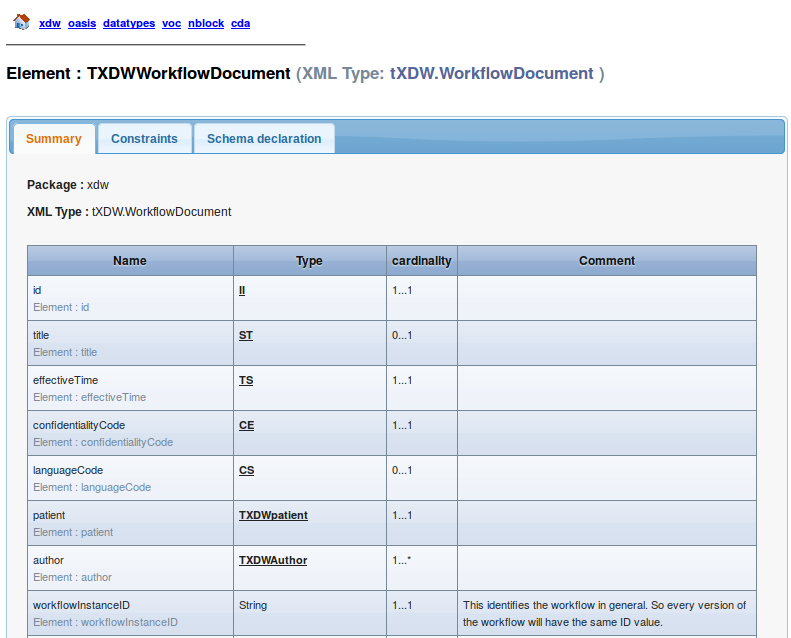
The html page that describe the Root element (XDW.WorkflowDocument) looks like this :
XDW Templates Documentation
All the templates described and validated by XDWSimulator are documented by the tool.
To go to the documentation you have to go to : menu -> XDW Documentation -> XDW Templates Documentation, which looks like this :
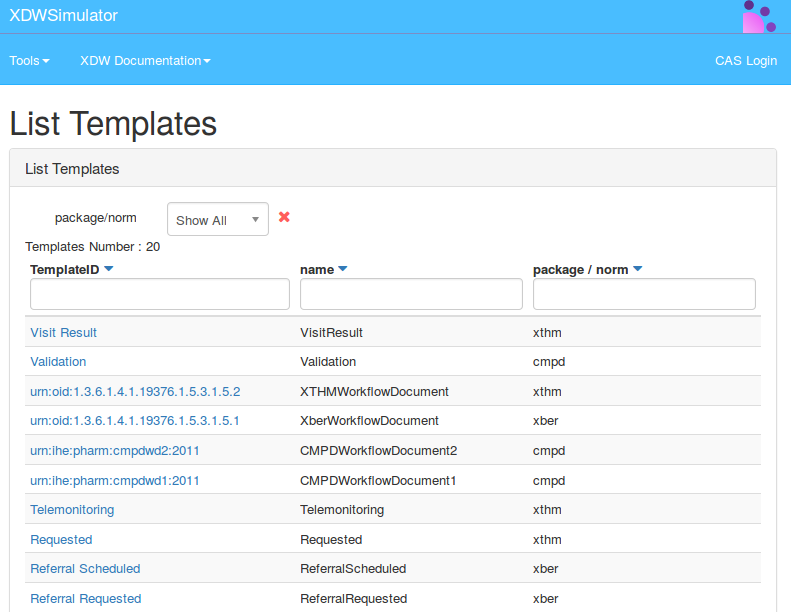
The documentation of the templates is generated automatically from the model UML, which describes the template and its constraints.
XDW constraints documentation
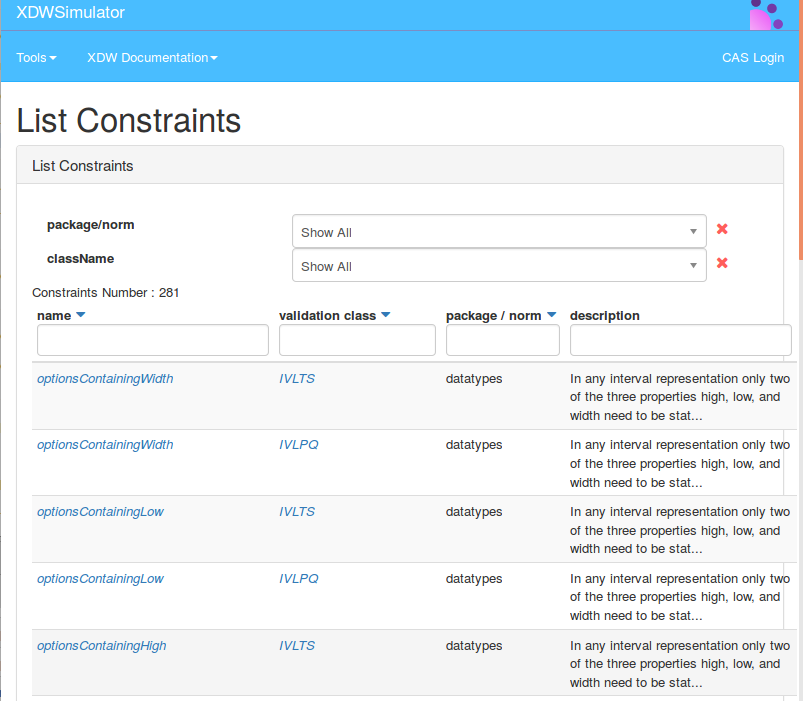
The XDW constraint documentation is a page that contains all the constraint validated by XDWSimulator. This page allows to do search of a constraint by its name, its dependency to a class or a package, or by keyword from the description, etc.
To go to the page of constraint documentation ou have to go to the menu -> XDW Documentation -> XDW Constraints Search
XDW Edition
XDWSimulator offers the possibility to edit and to create basic XDW documents. To do so, you have to go to menu -> Tools -> XDW Edition
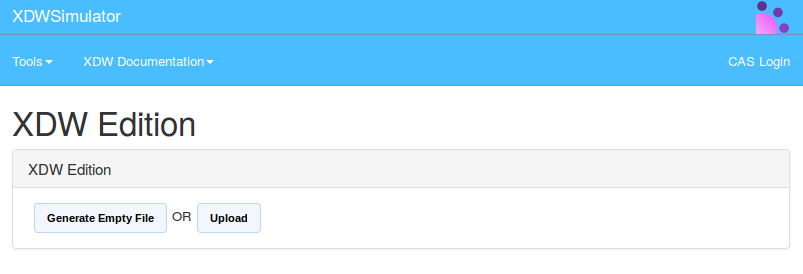
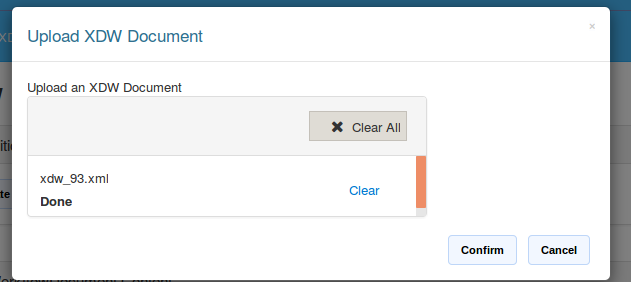
You can Generate an empty file, or you can uplaod a XDW file :
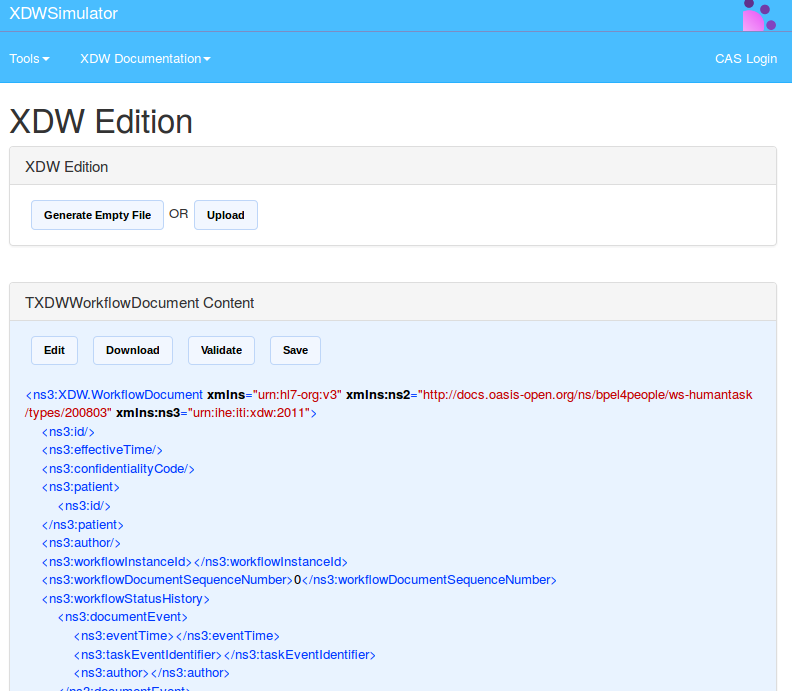
To use the module of edition, you have to click on the button edit.
A new page will be opened containg the possibility to edit element by element each sub element of the root XDW.WorkflowDocument .
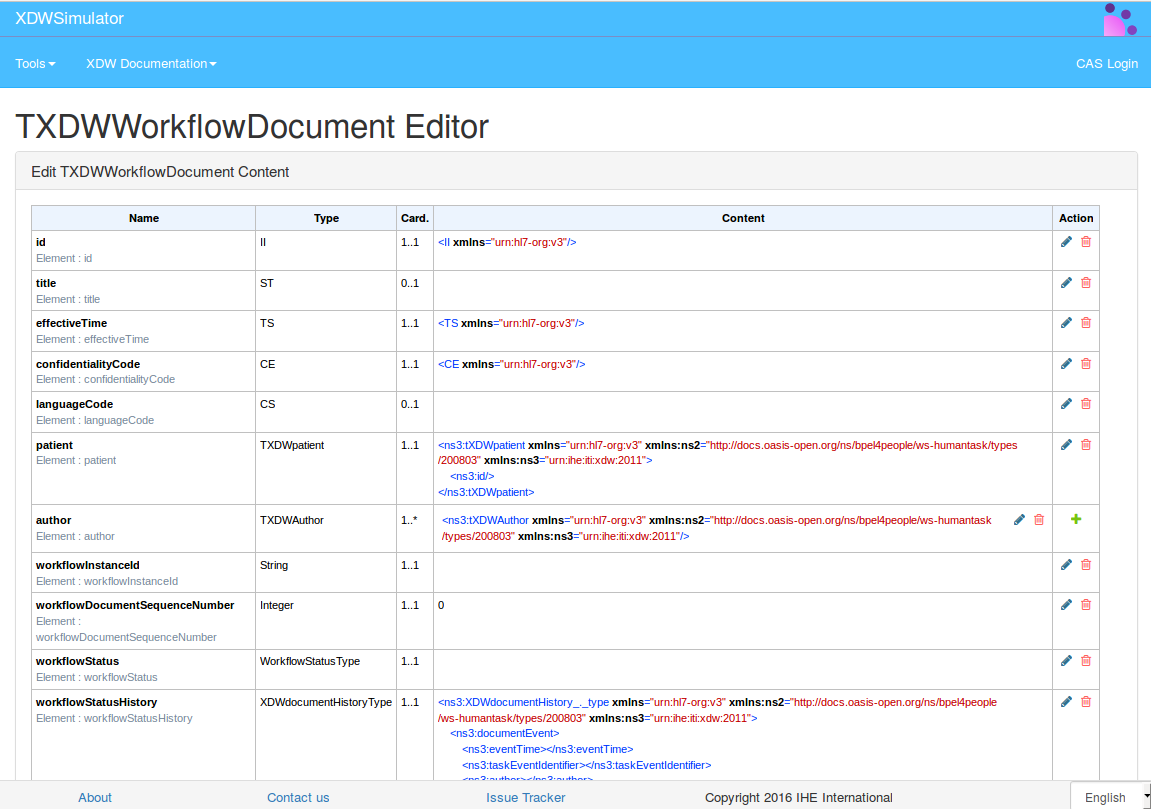
The same page allows to download the modified XDW document, or to validate it, or to save it.
The editor of XDW document is generated also from the model of description of the structure of XDW document.
View XDW Document
XDWSimulator provides a document viewer. You need to go to menu -> Tools -> View XDW-doc
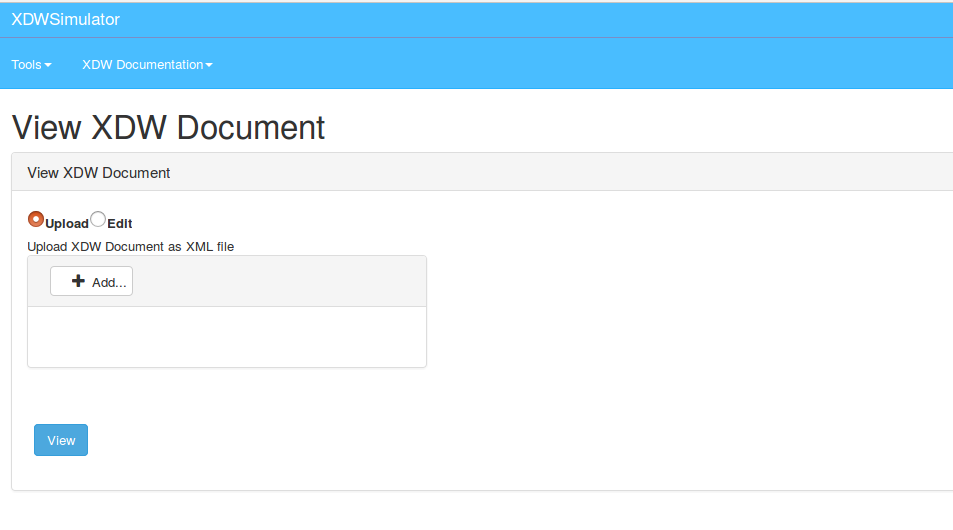
You need to upload a document and then click on the button View.
We have two presentation : HTML presentation and diagram presentation
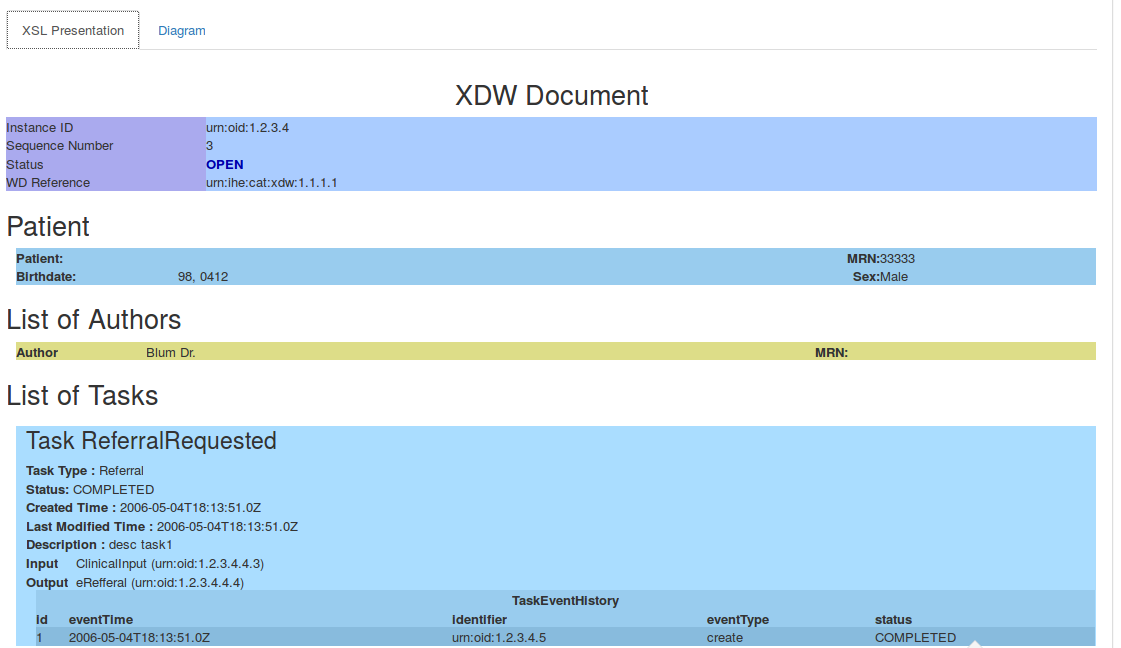
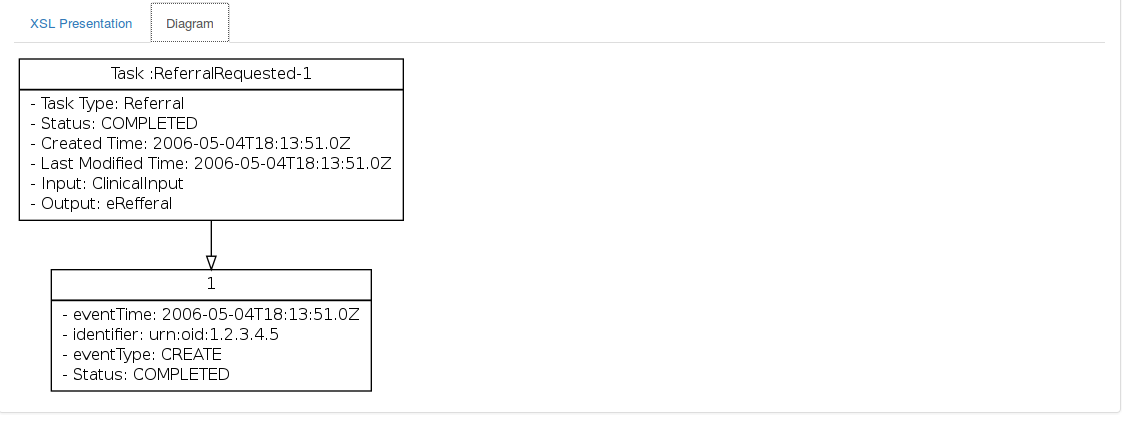
XDW Web service
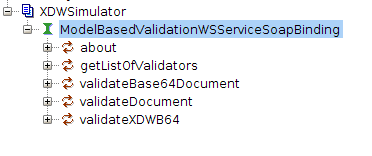
XDWSimulator include a web service of validation, that could be used as a standalone without using EVSClient, to validate an XDW document
Disclaimer
The XDWSimulator Application is an experimental system.
IHE-Europe assumes no responsibility whatsoever for its use by other parties, and makes no guarantees, expressed or implied, about its quality, reliability, or any other characteristic.
We would appreciate acknowledgement if the software is used.