Gazelle Keycloak
Keycloak
Keycloak is used as an identity and access management solution.
It allows to connect to Gazelle applications using Gazelle TM credentials.
Keycloak console
Your account information is accessible through the account console.
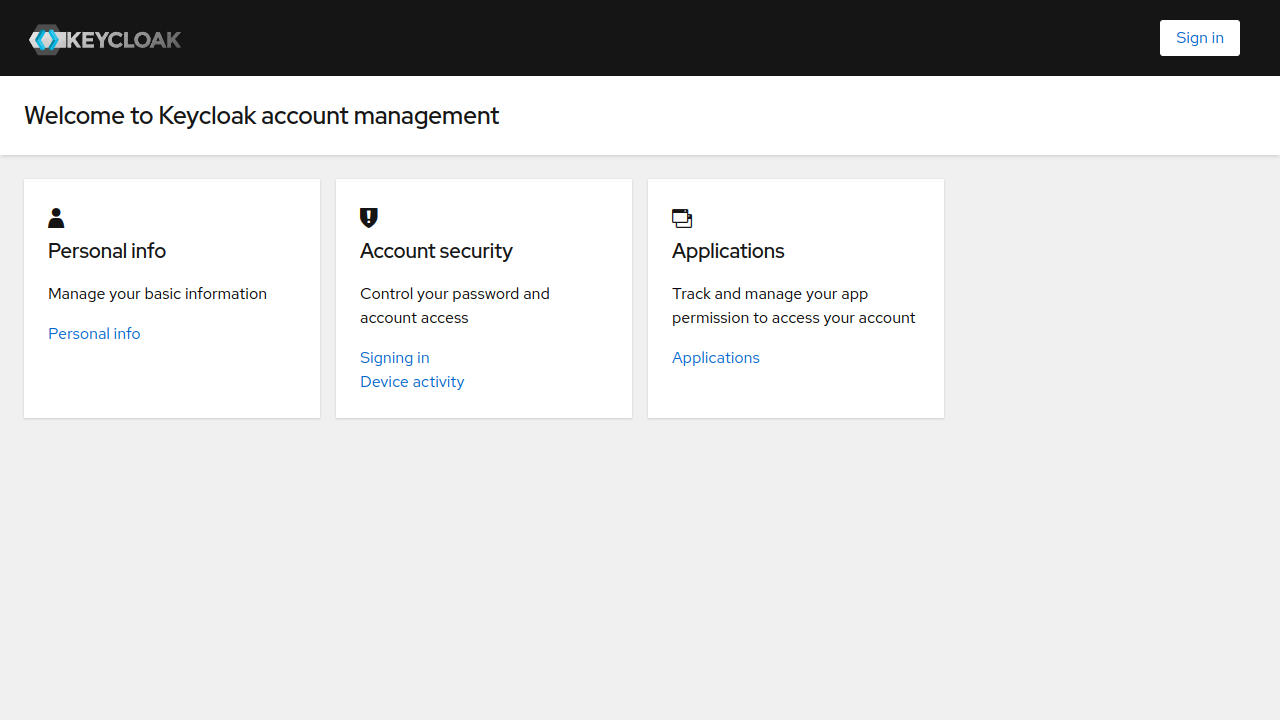
Click on “Sign in”.
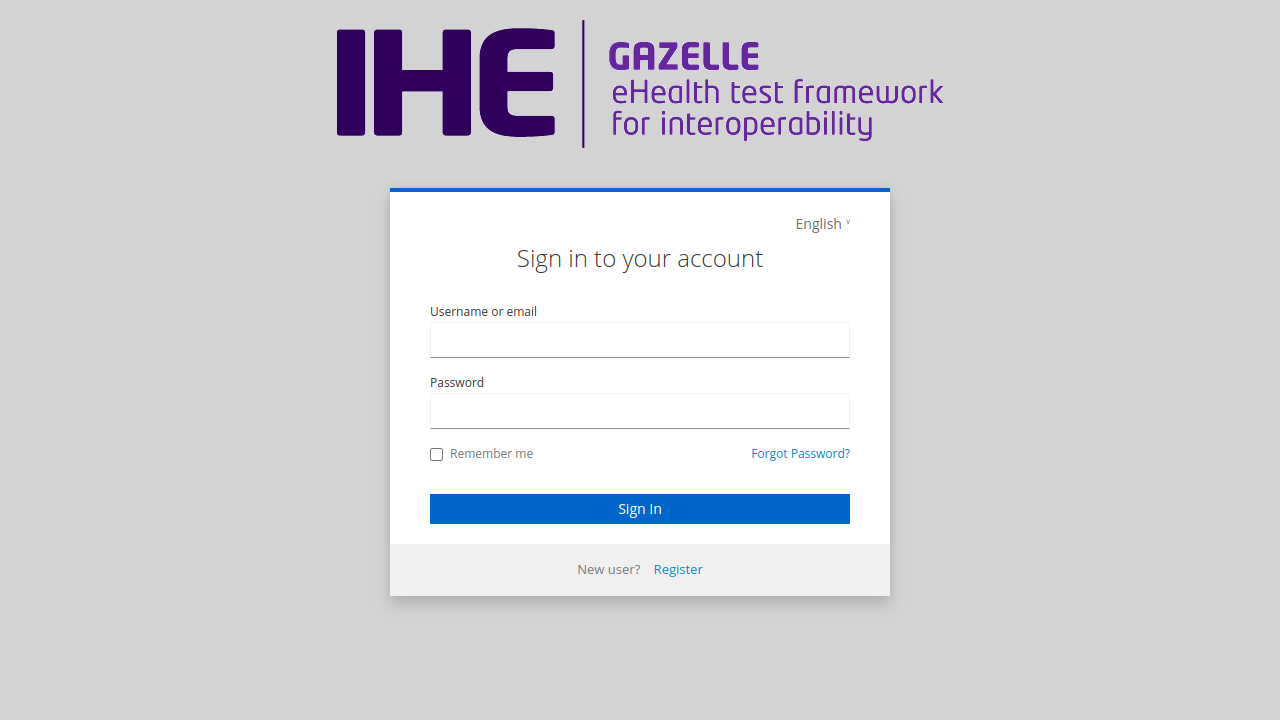
Password recovery
Click on “Forgot password?”.
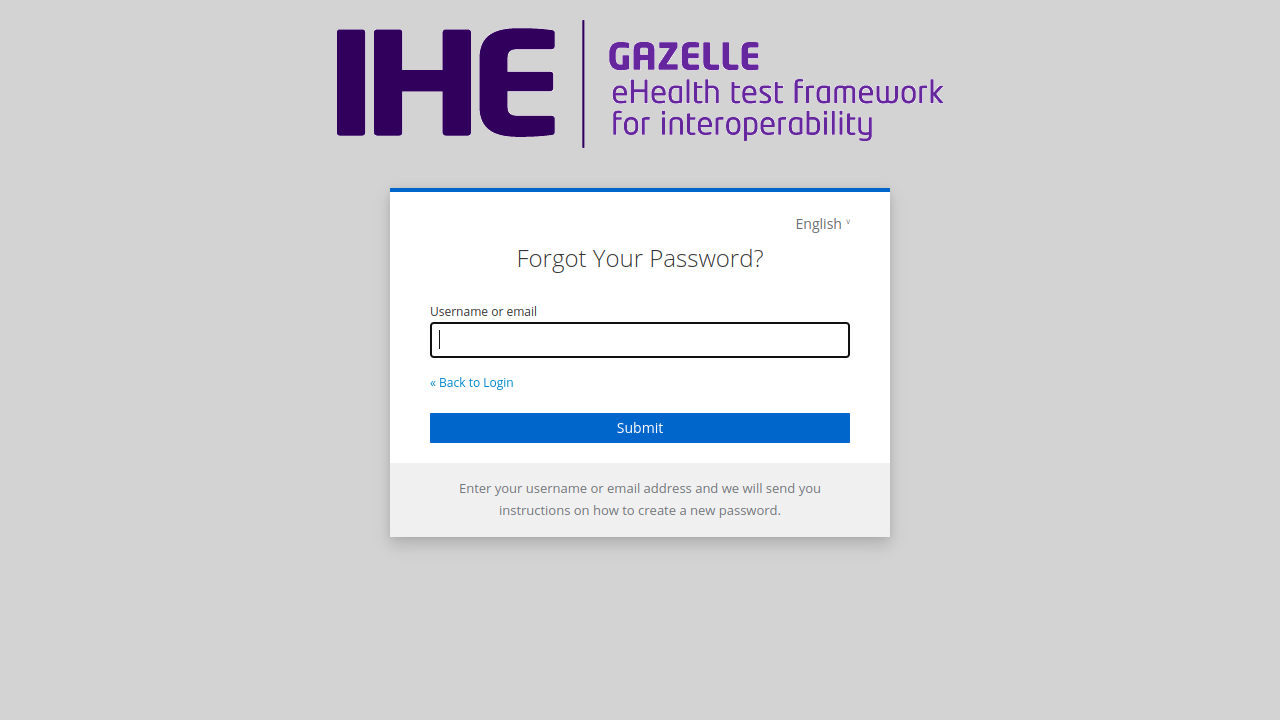
Fill text field with username or email. Click on “Submit”.
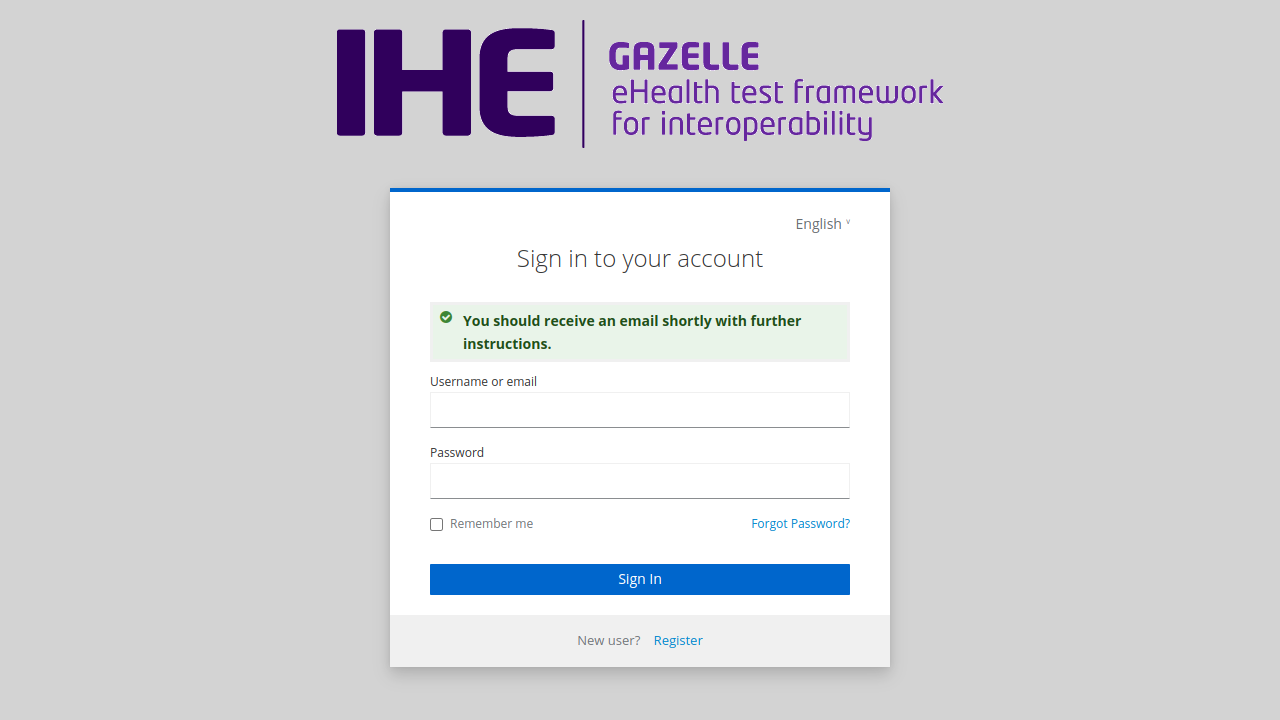
You will receive an email to reset your password.
Password change
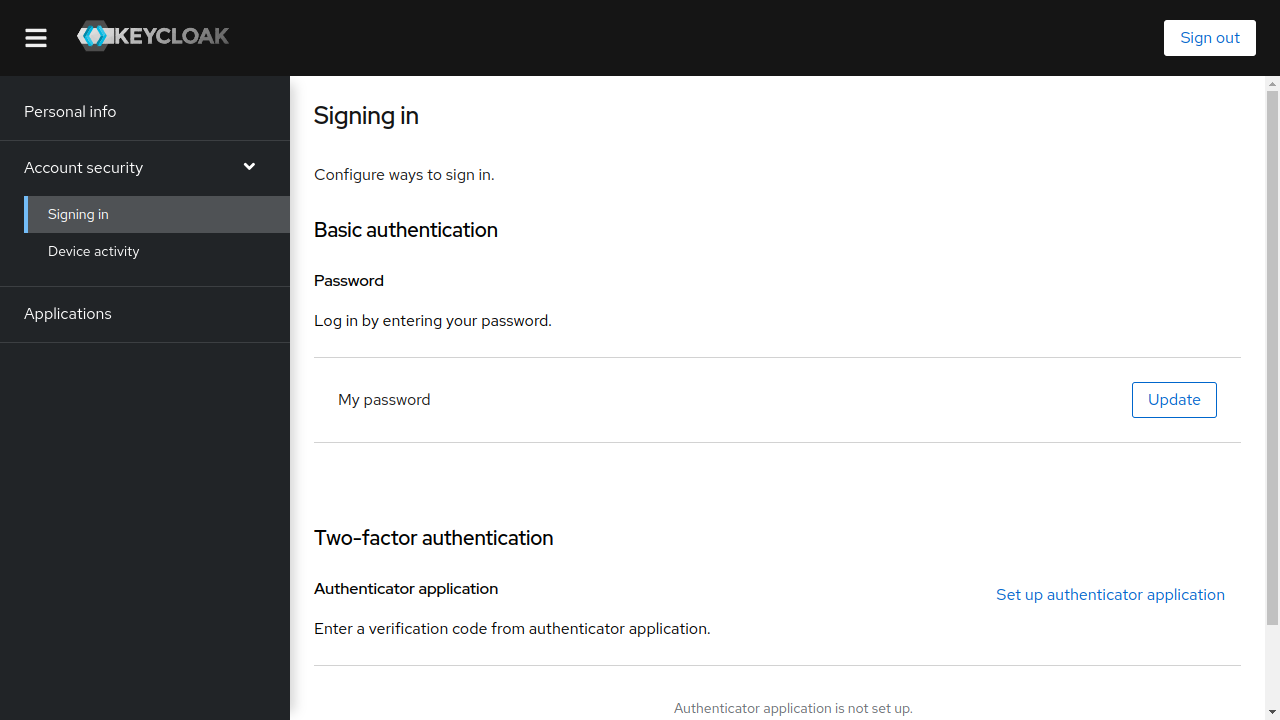
Once logged in the console, click on “Account security/Signing in”.
Then click on “Update” next to “My password”.
Fill fields with your new password and click on “Submit”.
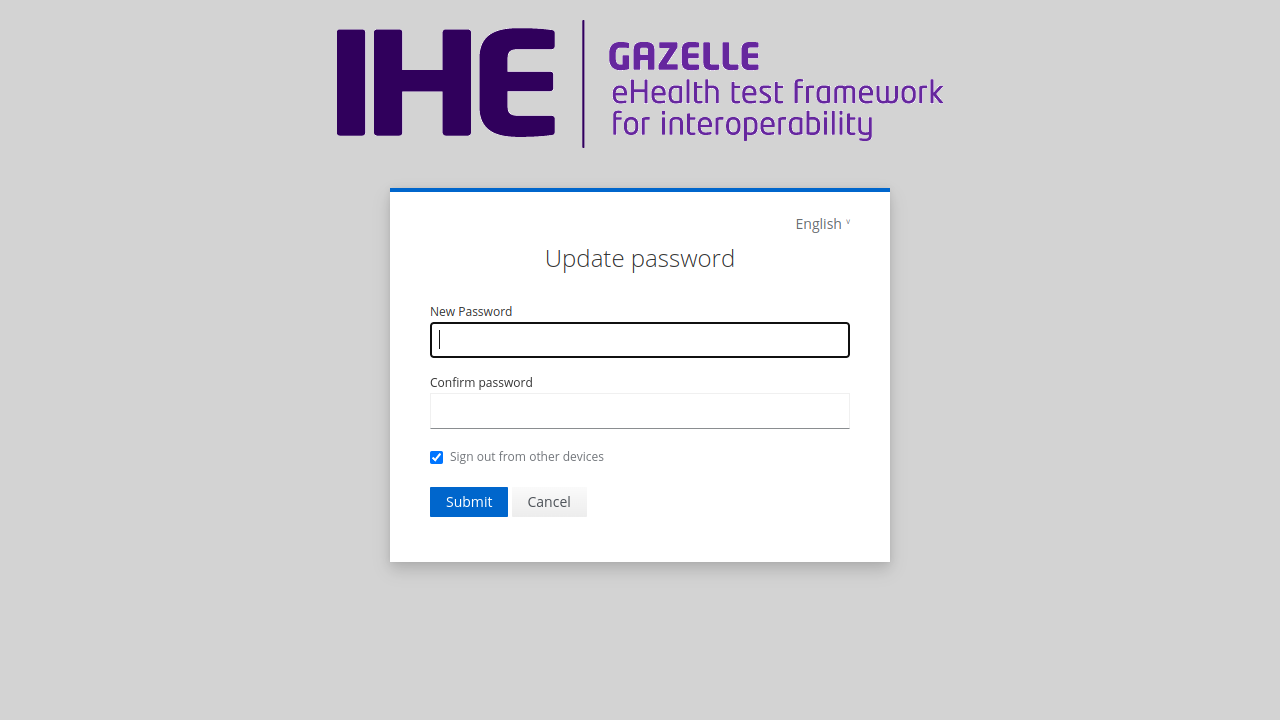
Your password has been changed. Gazelle TM password has changed too.